
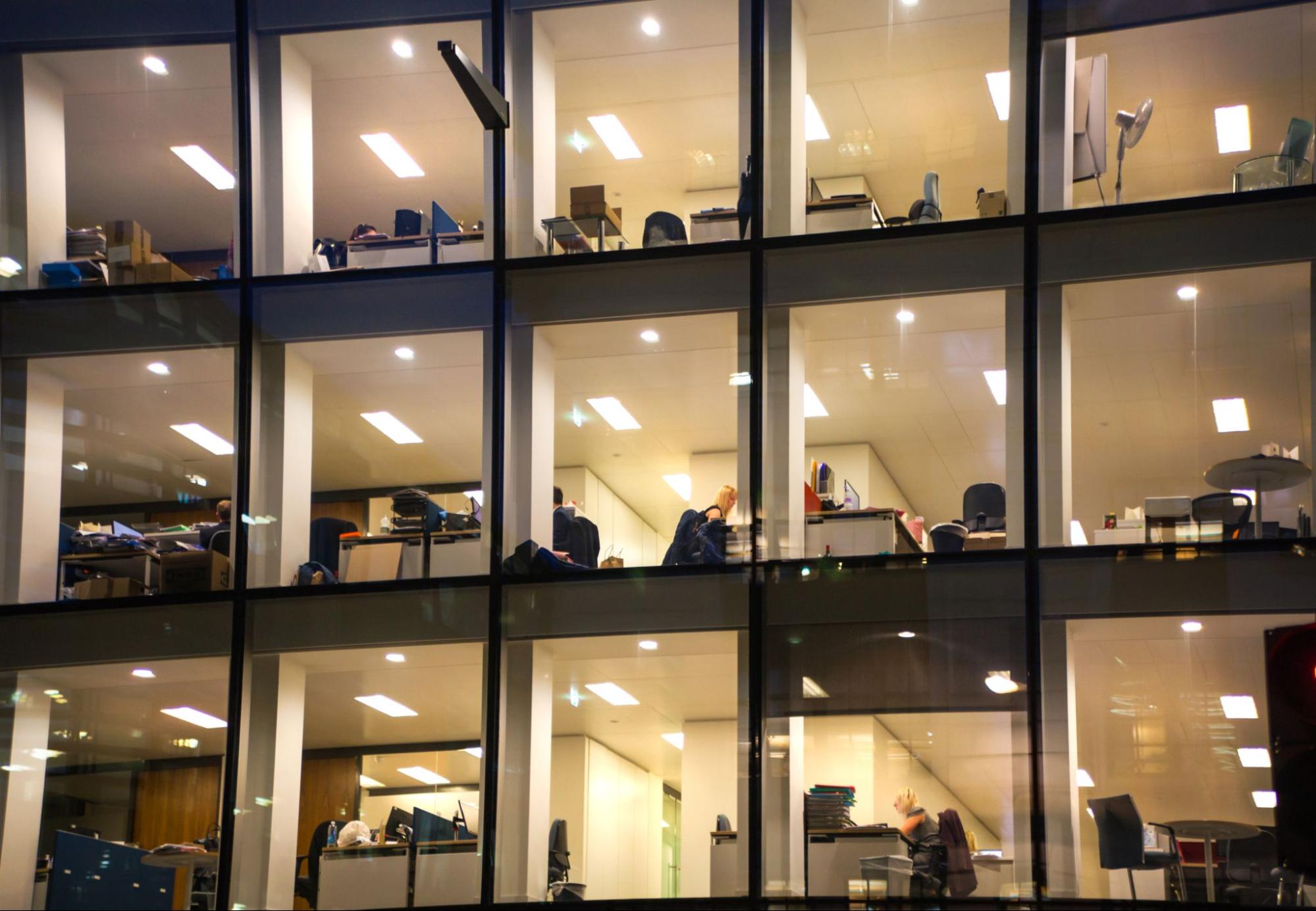
Office energy costs can add up quickly, especially with lighting, computers, and climate control systems running throughout the day. The good news is that even minor adjustments can help lower your bills with minimal effort or expense. Here’s how to save energy at the office, longer-term improvements to consider, and strategies to engage your team in your energy-saving efforts.
How to Save Energy at the Office: An Office Energy-Saving Checklist
Use this checklist as a quick reference once you’ve built good habits. Print it, post it in the back office, or share it with your facilities team.
Daily
- Do a quick check of lights and screens before locking up.
- Turn off all conference room AV equipment, not just the projector.
- Turn off the coffee maker and any small appliances on the counter.
Weekly
- Check that occupancy sensors and timers are still working properly.
- Write down any complaints about hot or cold spots to spot patterns.
- Check parking lot and exterior sign timers as daylight hours change.
Monthly
- Compare your latest utility bill with last month’s and the same month last year.
- Vacuum dust from vents in the server room and IT closet.
- Walk through the office and make a list of any new electronics employees have brought in.
Annually
- Request new quotes for lighting upgrades or sensor installations.
- Ask staff for energy-saving ideas they’ve noticed in their daily work.
- Review your electricity plan and compare it to your usage over the past year.

Join us – we've been at this for more than 20 years, so you're in good hands.
Why Office Energy Savings Matter
Using less energy in the office doesn’t just lower your utility bill. It can also make the workspace more comfortable, extend equipment lifespan and help achieve your company’s sustainability goals. Understanding how energy is used and changing simple habits can have a meaningful impact.
Where Offices Use the Most Energy
In most offices, lighting, air conditioning, and computers are the biggest energy users. However, this can vary based on your building and location. For example, heating plays a larger role in colder climates. Identifying where your energy goes allows you to target improvements that will have the greatest impact.
How Small Changes Can Add Up
Most office energy-saving tips seem small on their own, like turning off a few lights or adjusting the thermostat. But when everyone in the office does these things every week, the savings add up.
Start With an Office Energy Audit
Before making changes, it’s helpful to know where your energy is being used. An audit can show you this. You can do a simple walk-through with a clipboard or hire a professional, depending on your time and budget.
Review Utility Bills and Peak Usage
Gather at least a year of utility bills and look for patterns. While it can be normal to have higher bills in summer and winter, be sure to check other seasons as well. No matter the time of year, there can be room for improvement. The Electricity Facts Label on your bill shows your energy rates, including peak-hour rates if your plan has them.
Ask Your Energy Provider or Utility About Free or Low-Cost Audits
Many utilities offer free or low-cost energy audits, but not everyone knows this. Some send a technician, while others have online tools to guide you. It’s worth calling to see what’s available in your area.
Save Energy on Office Lighting
Lighting is one of the easiest places to start since you can see results right away. Whether you change bulbs or adjust how lights are used during the day, lighting upgrades are quick wins that don’t disrupt the workday.
Switch to LEDs and ENERGY STAR-Certified Lighting
Swapping out old bulbs for LEDs is one of the quickest ways to save energy at work. You also won’t be changing bulbs as often, since they last much longer. If you go with ENERGY STAR-certified options, you’ll save even more. Most office lighting setups are already compatible, so you usually don’t need to replace any fixtures. In many cases, making the switch is as simple as screwing in a new bulb.
Use Natural Light When Possible
Letting in sunlight is a simple way to cut back on energy use during the workday. Try opening the blinds first thing in the morning. Natural light not only saves electricity, but it can also make the office feel brighter and more inviting. If there’s a sunny area in your workspace, consider shifting a few desks closer to the windows so people can take advantage of the daylight.
Install Occupancy Sensors, Dimmers, and Daylight Sensors
Occupancy sensors turn off lights in empty rooms, saving more energy than you might expect. Dimmers let you change the brightness as needed. Daylight sensors adjust indoor lighting based on how much sunlight comes in through the windows.
Reduce Heating and Cooling Costs
Heating and cooling usually use the most energy in offices, so this is where you can save the most. The solutions don’t have to be complex. Saving energy with HVAC mostly means keeping equipment in good condition and aligning use with office hours.
Program Thermostats Around Office Hours
You don’t need to heat or cool an empty building at night or on weekends. Programmable thermostats can handle this automatically once you set a schedule. Smart thermostats can even learn your patterns. Both options help stop the system from running when no one is there.
Change HVAC Filters and Schedule Maintenance
Dirty filters make your HVAC system work harder than it should. Change filters every month or two to keep things running well. It’s also smart to have a professional check the system before each season, since regular tune-ups can stop small problems from becoming expensive repairs.
Seal Drafts, Doors, Windows, and Ducts
Drafts or sudden temperature changes can be signs that your office is losing heated or cooled air through small gaps. Common trouble spots include doors, windows, and ductwork—especially in older buildings. You can tackle most leaks around doors and windows with a tube of caulk or some weatherstripping from the hardware store. For hidden leaks in ducts, it’s worth asking an HVAC pro to take a look and seal them up.

Cut Energy Waste From Computers and Office Equipment
It’s common for computers, monitors, and printers to stay on all day—even when no one is using them. Most solutions are quick tweaks or small changes in routine, and they don’t require investing in new devices or slowing down work.
Enable Sleep Mode and Power Management Settings
Sleep mode is a simple, effective way to cut energy use. Set computers and monitors to enter sleep mode after a short period of inactivity, rather than relying on screensavers, which still consume power. Your IT team can usually apply these settings across the office in one go.
Shut Down Devices After Hours
It’s surprisingly common for things like computer monitors, printers, or even a coffee maker to hum along after everyone’s gone home. In some offices, a simple sticky note on the door or a quick group reminder at closing is all it takes to have more devices off overnight.
Use Smart Power Strips to Reduce Phantom Energy
Even when electronics look off, many still use power in standby mode. That adds up over time. Smart power strips help by cutting electricity to devices like printers or monitors as soon as you turn off your computer. This small change can quietly lower your office’s energy use without extra effort.
Make the Break Room More Energy Efficient
People often overlook the break room, but its appliances can use more power than you think. Refrigerators run all day, and dishwashers and coffee makers add up over the course of the week. A few small changes can reduce office energy costs.
Use ENERGY STAR-Certified Appliances
When it’s time to replace a fridge, microwave, or dishwasher, ENERGY STAR-certified models are usually worth the extra cost. They use less electricity over time, which can lead to real savings in a busy break room.
Maintain Refrigerators, Coffee Makers, and Dishwashers
Older appliances that aren’t maintained often use more energy than they should. Cleaning fridge coils once or twice a year helps them run better. Wiping and descaling coffee makers helps, too. For dishwashers, running full loads instead of half loads is an easy way to save energy.
Get Employees Involved in Saving Energy
If you want real, lasting energy savings, it comes down to people, not just gadgets. Fancy equipment helps, but it’s everyone’s daily habits that really make the difference. If employees have a few easy guidelines to follow, they’re much more likely to get involved.
Create Simple Office Energy Rules
Most people don’t want to memorize a long list of rules at work. Instead, pick a few energy-saving measures for the workplace that make the biggest difference. Things like switching off lights when you leave or shutting down your computer before you head out are easy to remember and simple to do. Over time, these small actions can blend into the daily routine without much thought.
Use Reminders, Labels, and Team Challenges
It’s easy for energy savings to slip people’s minds during a busy week. A note by the door or a quick mention in a team huddle can help keep everyone on track. In some offices, even a light-hearted contest, like seeing which department can reduce power use the most, gets people interested and makes the effort stick.


I heard about Just Energy through a friend of mine. I went with them because of their low rate, and I save more energy too. With their service, our bills went down. Their people were nice as well.
Franklin Powe
Energy-Saving Tips for Rented Office Spaces
Tenants may not control elements such as windows, ductwork, or HVAC systems. But small business energy savings are still possible. With some coordination, renters can make real changes.
Talk to Your Landlord About Efficiency Goals
If you rent your office, don’t wait for your landlord to bring up energy upgrades. A quick discussion about swapping in LED bulbs, sealing up drafty windows, or putting in a smart thermostat are a few suggestions you can bring up. Most landlords are open to ideas that save everyone money.
Coordinate With Other Tenants When Possible
If your office shares a building with other businesses, try teaming up before you talk to the landlord. When a group of tenants asks for something, like better insulation or fixing the heating in the common areas, it’s harder to ignore.
Office Energy Savings FAQs
Usually, lighting, air conditioning, and computers are the biggest energy users in an office, but this can shift if your building is older or the weather is colder. Then, heating might take the top spot. Figuring out which systems use the most energy in your space helps you know where to start making changes.
Turning off lights when leaving a room, setting computers to sleep, and using natural light are quick habits that cost nothing to start. The savings add up over time.
They can, particularly if your office isn’t occupied 24/7. Smart thermostats detect when people are around and automatically adjust the temperature, so you’re not wasting energy heating or cooling a space. Over time, you should notice the difference in your energy bills.
Explore Business Energy Plans for Savings
Now that you know how to save energy at the office, consider which electricity plan best serves your needs. The right plan can amplify the savings from your efficiency efforts, whether that’s a fixed-rate option for predictable budgeting, a variable-rate plan to capitalize on market shifts, or a renewable energy plan that aligns with your sustainability goals. Pairing smart energy habits with the right contract is one of the most effective ways to lower your operating costs over the long term.
Check out Just Energy’s commercial energy plans to find the option that fits your business.
Brought to you by justenergy.com
All images licensed from Adobe Stock.