
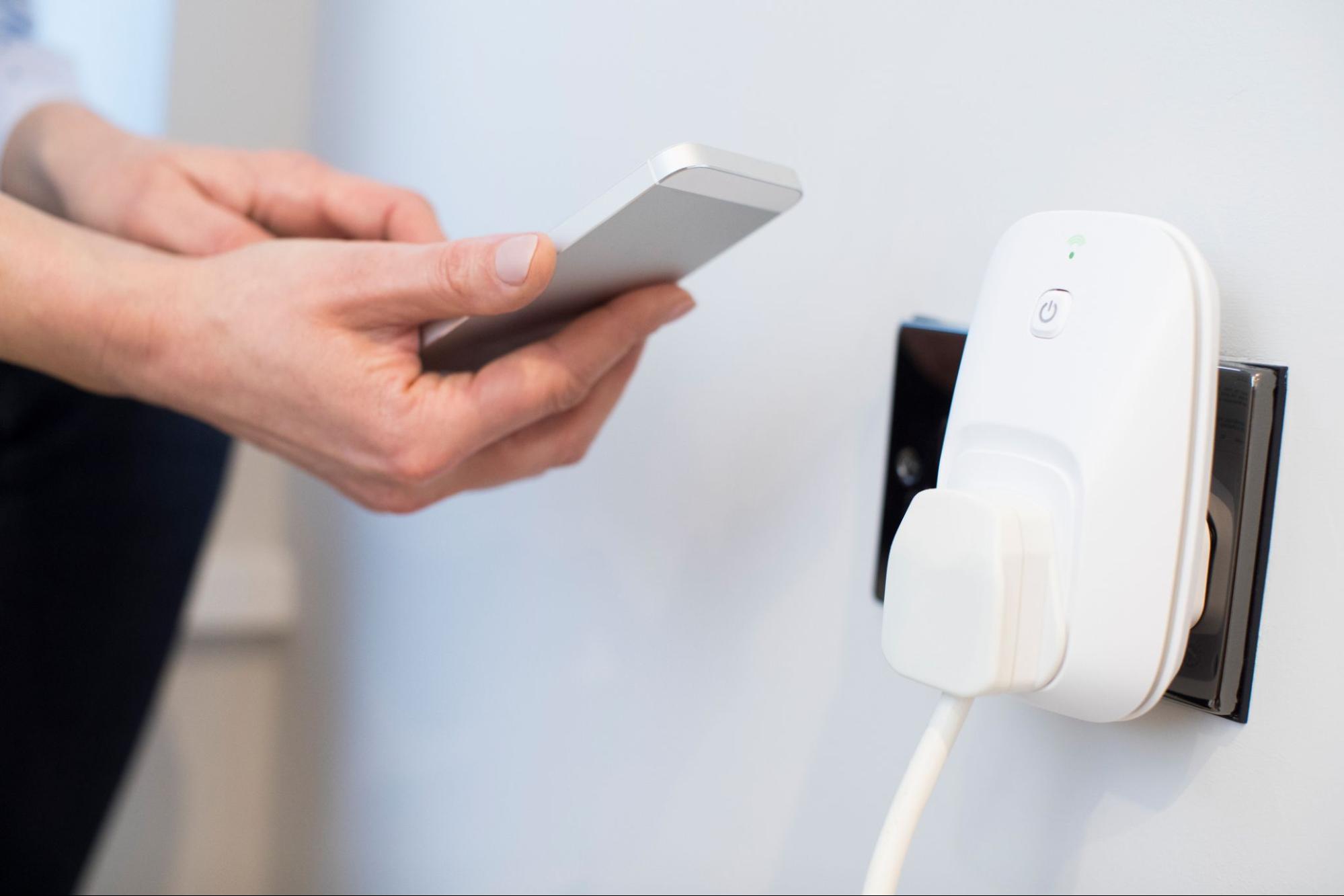
Ever left your porch light or coffee maker on all day? Those minor oversights can quietly raise your electricity bill despite having a good electricity plan. An outlet timer offers an easy fix.
This simple plug-in device automatically turns electronics on and off, helping Texans reduce wasted energy and save money (especially during high-demand months). In this guide, our Just Energy team will answer the question, “What is an outlet timer?” and cover when to use them, and how to set them up safely.
What is an Outlet Timer?
An outlet timer is a small device that plugs into your wall and automatically turns electronics on or off at set times. Instead of flipping switches or unplugging devices yourself, you can program it once and let it run on autopilot.
They’re especially handy for everyday routines, like:
- Turning on lamps at sunset and off at bedtime
- Starting your coffee maker before waking up
- Shutting off outdoor or holiday lights after midnight
Setup is simple: plug the timer into an outlet, connect your lamp or appliance, and choose the times you want it to turn on and off. Inside, a small mechanical dial or digital clock controls when power flows to your device.
Timers are available for both indoor and outdoor use. Outdoor outlet timers are weather-resistant and designed for garden lights or holiday decorations. Outlet timers can help you save energy, though the exact amount depends on what you plug into them. Their main advantage is cutting down on standby power, also called “vampire energy,” which is the electricity devices use even when they’re switched off but still plugged in.
Find the perfect plan in 3 easy steps!
1 Enter your ZIP code
2 Choose your plan
3 Sign up in under 5 minutes
Types of Outlet Timers
Not all outlet timers work the same way. They come in three main types, each with its own level of control and convenience.
Mechanical Plug-In Timers
These are the most basic and budget-friendly options. They use a 24-hour dial with small tabs or pins that represent time intervals. Once you set your preferred on and off times, the timer physically rotates and cuts or restores power at those points.
Mechanical timers are great for:
- Lamps or string lights
- Fans or air purifiers
- Seasonal decorations
They’re simple and dependable, but not quite as precise as digital models. You may need to reset them if the power goes out or your schedule changes.
Digital Plug-In Timers
Digital plug-in timers work like mechanical ones but give you more precision. Instead of turning a dial, you simply set your on and off times using a few buttons and a small display. Most models can store multiple daily or weekly schedules and keep them saved with a built-in battery backup in case of a power outage.
They’re a good fit if you prefer to program your devices once and not think about them again—a true set-it-and-forget-it option for busy households.
Smart Outlet Timers
Smart timers connect to Wi-Fi or Bluetooth, letting you control outlets from your phone or through smart assistants like Alexa and Google Home. You can turn devices on and off remotely, set custom schedules, or even track energy use in real time.
They cost more than mechanical or digital timers but give you the most versatility, especially if you already use smart home devices.

When Should You Use an Outlet Timer?
Outlet timers are most useful for appliances or electronics that you want to run on a regular schedule. They can make daily routines easier, add safety and security while you’re away, and help reduce unnecessary electricity use.
Timers are especially practical for Texans on time-of-use or prepaid electricity plans. By scheduling when certain devices draw power, you can shift some of your usage away from peak hours, helping to lower your overall costs without much change to your habits.
Explore Just Energy’s nights free and weekends free plans today.
Common Appliance Use Cases
Outlet timers are most effective when they’re used with everyday devices that don’t need constant power. Here are some common outlet timer uses.
- As a vacation light timer that turns lamps on at dusk and off before bedtime to make your home look occupied while you’re away.
- Power on your coffee maker or slow cooker in the morning so breakfast or dinner is ready when you need it.
- Run aquarium pumps, fans, or humidifiers for consistent intervals.
- Keep outdoor or holiday lights on only during certain hours with an outdoor outlet timer.
Just be mindful not to use timers with high-heat or safety-critical devices, which we’ll cover next.
Don’t Use Timers with These Appliances
Outlet timers are great for lamps, lights, and small household gadgets—but not every device should be on a timer. Some equipment can become unsafe or unreliable if its power is cut off unexpectedly.
Avoid using timers with:
- Space heaters or portable heaters
- Medical devices such as oxygen machines or CPAP units
- Smart refrigerators, freezers, or sump pumps
- Power tools or other high-wattage appliances
These types of devices either draw too much current or rely on a steady supply of electricity to function safely. Cutting power at the wrong time could damage the equipment, spoil food, or even pose a fire risk.
Always check the timer’s maximum wattage and amperage ratings before use, and stick with ETL- or UL-listed outlet timer models to ensure they meet recognized safety standards.
Find out why over a million customers trust Just Energy!
How to Use an Outlet Timer
Most outlet timers work right out of the box, but setup steps vary slightly depending on whether you’re using a mechanical vs. digital timer or a smart model. The process usually takes less than five minutes and doesn’t require any tools or wiring.
Mechanical Dial Timer
To set a mechanical timer:
- Plug the timer into an outlet.
- Turn the dial until the arrow points to the current time.
- Push down or pull up the small tabs around the dial to mark your desired on and off times.
- Plug your appliance into the timer.
- Make sure the switch is set to “Timer” or “Auto,” not “On,” or the power will stay on continuously.
Digital/Programmable Timer
To set a digital timer:
- Plug in the timer and set the current time using the display buttons.
- Program your on and off times (some models allow separate weekday and weekend schedules).
- Plug your device into the timer and verify the display shows your schedule.
- Check for a built-in battery backup, which keeps your settings saved during power outages.
Wi-Fi/Smart Timer (App Basics)
To set a smart timer:
- Download the manufacturer’s mobile app.
- Plug in the timer and connect it to your home Wi-Fi following the in-app instructions.
- Name the outlet (for example, “Porch Light” or “Coffee Maker”).
- Create custom schedules or control it remotely from your phone.
- Optional: Integrate with Alexa, Google Home, or Apple HomeKit for voice commands or energy tracking.

Safety & Compatibility Tips for Outlet Times
Before using an outlet timer, it’s important to make sure it’s compatible with your devices and electrical setup. A few simple checks can help prevent overloads, damage, or safety risks.
UL and ETL Listings
Only use timers certified by UL (Underwriters Laboratories) or ETL (Electrical Testing Laboratories). These marks show the product has been tested for electrical safety and meets national standards. You’ll usually find the certification symbol printed on the back or plug of the timer.
Load Ratings
Every timer is rated for a maximum number of amps and watts. Match that rating to the appliance you’re using. For example, a 15-amp timer can safely handle most household lamps and small appliances, but not large heaters or heavy-duty tools.
Indoor vs. Outdoor Models
If you’re using a timer outside, make sure it’s labeled for outdoor use. Outdoor timers are weather-resistant and typically come with a protective cover to keep out rain, dirt, and debris.
Always plug outlet timers into a GFCI (ground-fault circuit interrupter) outlet for extra protection.
Child Safety and Surge Protection Notes
Keep outlet timers out of reach of small children and avoid putting them where they can be unplugged or tampered with.
For electronics like TVs, routers, or computers, plug the timer into a surge protector before connecting the device. That way, your equipment stays protected if there’s a power spike or lightning strike.
Outlet Timer FAQs
Do outlet timers save electricity?
Yes. Outlet timers automatically turn off devices not in use, reducing standby energy waste. While savings per device are small, they add up across multiple electronics.
Which devices should not be used with a timer?
Don’t use outlet timers with high-heat or safety-critical items like space heaters, medical equipment, refrigerators, or sump pumps. These devices require a constant power supply to operate safely.
What’s the difference between a timer and a smart plug?
Timers run on preset schedules. Smart plugs connect to Wi-Fi, allowing remote or voice control, and often track energy use for added convenience.
Same Day Spark
Sign up before 12:00 pm CT, and we’ll have your power up and running the same day.
The Bottom Line: Is an Outlet Timer Right for You?
So, what is an outlet timer? In short, these devices make it easy to save energy without changing your daily routine. They’re likely a good addition to your home because they can automate lights, appliances, and other household devices to reduce waste and improve safety when you’re away. While the dollar savings may be small, the convenience and control quickly pay off for busy households.
Compare energy plans that fit your routine to find additional ways to manage your energy use and lower monthly costs.
Brought to you by justenergy.com
All images licensed from Adobe Stock.